
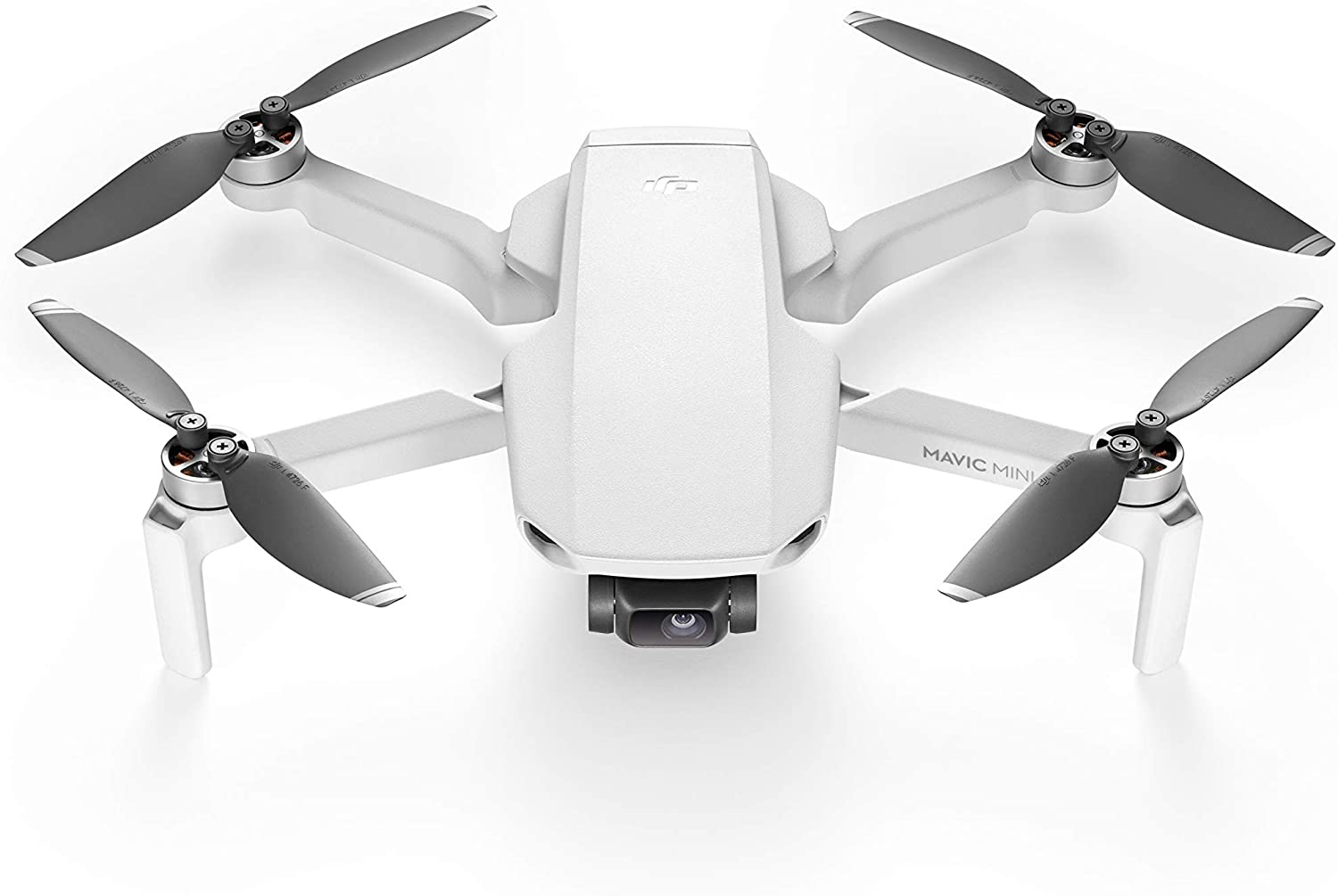
Capturing Stunning Visuals Without Breaking the Bank: Drones Under $500
The world of aerial photography and videography has become increasingly accessible, thanks to the availability of high-quality drones at affordable prices. If you're looking to elevate your creative projects without emptying your wallet, you're in the right place. This article explores some of the best drones for photography and videography that you can find for under $500, offering a fantastic blend of features, performance, and value.
Key Features to Consider When Choosing a Budget Drone
Before diving into specific models, it's important to understand the key features that differentiate good camera drones from the rest, especially within the budget-friendly category. Here are some crucial aspects to keep in mind:
Camera Quality
This is arguably the most important factor for photography and videography. Look for drones with at least a 1080p resolution camera. While 4K might be tempting, it's often compromised in this price range. Consider the sensor size as well; larger sensors generally perform better in low-light conditions. Frame rate is also important, especially for video; 30fps is generally sufficient, but 60fps allows for smoother slow-motion footage.
Flight Time
Flight time is a limiting factor for all drones. Aim for a drone that offers at least 15-20 minutes of flight time per battery. Keep in mind that advertised flight times are often optimistic and can be affected by wind, temperature, and flying style. Consider purchasing extra batteries to extend your shooting sessions.
Gimbal Stabilization
A gimbal is a mechanical stabilizer that keeps the camera steady, even when the drone is moving. This is essential for capturing smooth, professional-looking footage. Look for drones with at least a 2-axis gimbal, although a 3-axis gimbal is preferable for even greater stability.
GPS and Intelligent Flight Modes
GPS enables features like automatic return-to-home (RTH), which is crucial for preventing crashes. Intelligent flight modes, such as Follow Me, Orbit, and Waypoint Navigation, can simplify complex shots and add creative flair to your videos.
Range and Transmission Quality
The range of the drone determines how far you can fly it from the controller. Transmission quality affects the clarity and stability of the video feed you see on your smartphone or tablet. A strong and reliable transmission signal is essential for safe and enjoyable flying.
Top Drone Recommendations Under $500
Now, let's take a look at some of the best drones that meet these criteria and offer exceptional value for their price:
DJI Mini SE
The DJI Mini SE is a fantastic entry-level drone from a reputable brand. It's incredibly lightweight (under 250g), which means it doesn't require registration in many countries. It features a 2.7K camera, a 3-axis gimbal for smooth footage, and a flight time of up to 30 minutes. While it doesn't have 4K, the 2.7K footage is still excellent for most purposes. Its intuitive controls and reliable performance make it an excellent choice for beginners.
Pros: Lightweight and portable, excellent image stabilization, long flight time, easy to fly.
Cons: No 4K video, limited intelligent flight modes compared to more expensive DJI models.
Holy Stone HS720G
The Holy Stone HS720G is a popular choice for those seeking a feature-rich drone at an affordable price. It boasts a 4K camera, a 2-axis gimbal, and GPS-assisted flight modes like Follow Me and Waypoint Navigation. Its flight time is around 26 minutes. The HS720G offers a good balance of image quality, features, and affordability, making it a strong contender in the sub-$500 category.
Pros: 4K camera, GPS-assisted flight modes, good flight time, foldable design.
Cons: Gimbal isn't as smooth as 3-axis gimbals, image quality may not be as sharp as higher-end drones.
Potensic ATOM SE
The Potensic ATOM SE drone is another strong contender in the budget drone market. It features a 4K camera, a 3-axis gimbal, and a flight time of around 31 minutes. This drone also offers several intelligent flight modes, including Follow Me, Orbit, and Waypoint Navigation, making it a versatile option for both photography and videography. The ATOM SE is known for its stability and ease of use, even in windy conditions.
Pros: 4K Camera, 3-axis Gimbal, long flight time, intelligent flight modes, easy to fly.
Cons: Image quality may not be as sharp as more expensive drones, some users report limited range in certain areas.
Ruko F11 Pro
The Ruko F11 Pro is a solid option for those looking for a drone with a 4K camera and a long flight time. This drone offers a flight time of up to 30 minutes and features GPS-assisted flight modes, including Follow Me and Waypoint Navigation. It also has a 90° adjustable lens, allowing you to capture different perspectives. The Ruko F11 Pro is a good all-around drone for those looking for a balance of features and affordability.
Pros: 4K camera, long flight time, GPS-assisted flight modes, adjustable lens.
Cons: Gimbal is not as advanced as some other drones, image quality may not be as sharp as higher-end models.
Tips for Getting the Most Out of Your Budget Drone
Even with a budget drone, you can capture stunning photos and videos with a little practice and some helpful tips:
Practice Flying in Open Spaces
Before attempting any complex shots, practice flying your drone in a wide-open space, away from obstacles. This will help you get a feel for the drone's controls and handling.
Shoot in Good Lighting
Good lighting is essential for capturing high-quality photos and videos. Avoid shooting in direct sunlight, which can cause harsh shadows. Overcast days or the golden hours (shortly after sunrise and before sunset) offer the best lighting conditions.
Use ND Filters
ND (Neutral Density) filters reduce the amount of light entering the camera, allowing you to shoot with wider apertures and slower shutter speeds, even in bright sunlight. This can help you achieve a more cinematic look in your videos.
Edit Your Photos and Videos
Even with a budget drone, you can significantly improve the quality of your photos and videos with some basic editing. Use software like Adobe Lightroom or DaVinci Resolve to adjust exposure, contrast, color, and sharpness.
Follow Local Regulations
Before flying your drone, be sure to familiarize yourself with local regulations. In many areas, you need to register your drone and obtain a license to fly it legally. Always fly responsibly and avoid flying near airports or other restricted areas.